WordPress internal linking, done right

See your internal links. Fix the gaps. Undo anything.

Relinka maps how your posts connect, scores your internal-link health, and finds the broken and orphaned pages quietly dragging your SEO down. Then it suggests relevant links — each with a plain-English reason and an anchor taken from your own text — that you apply, or undo, in one click.

No account, no API key Runs entirely on your site One-click undo Free & open source

Built for bloggers, content teams, and small agencies who care about internal linking.
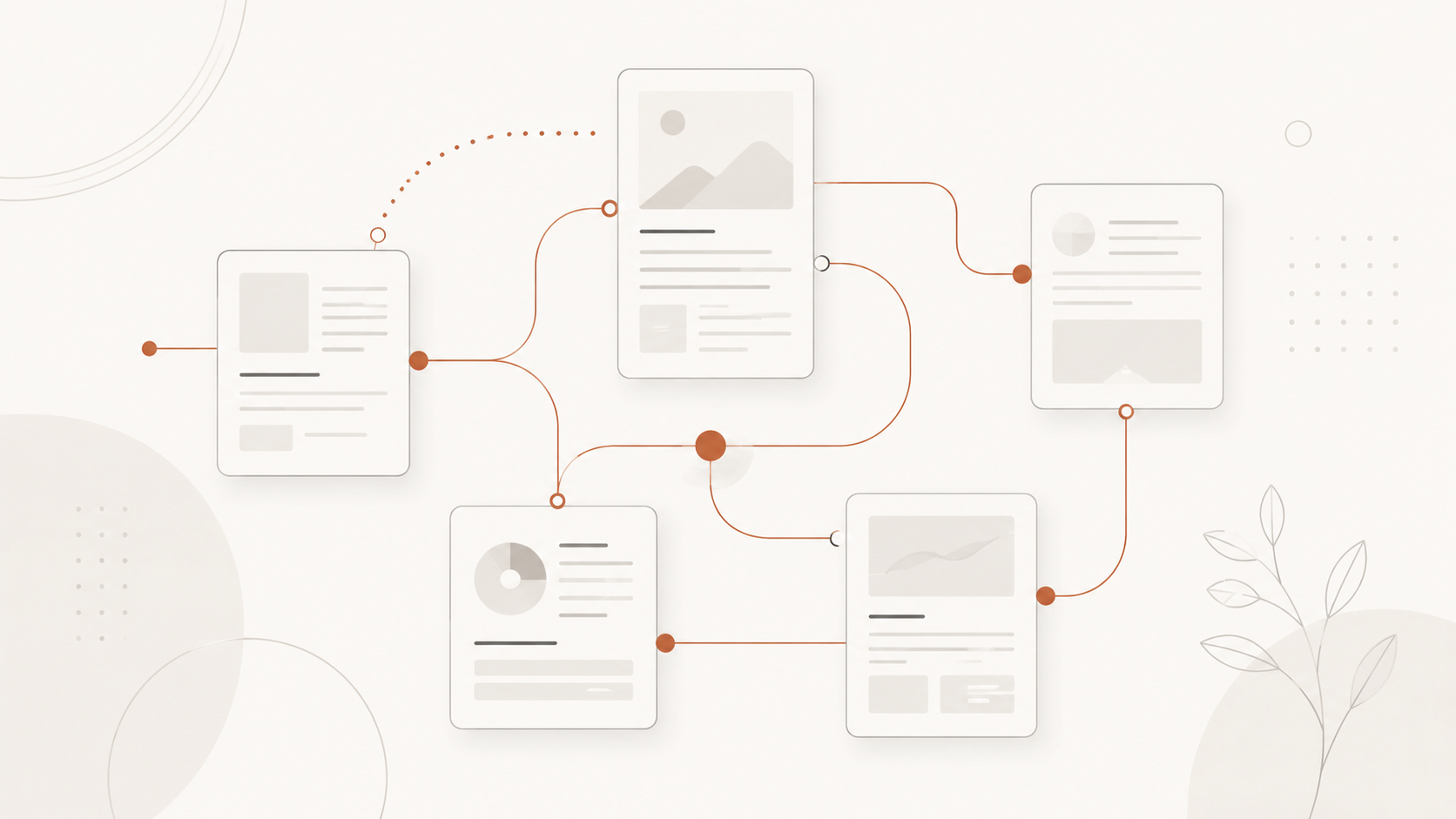
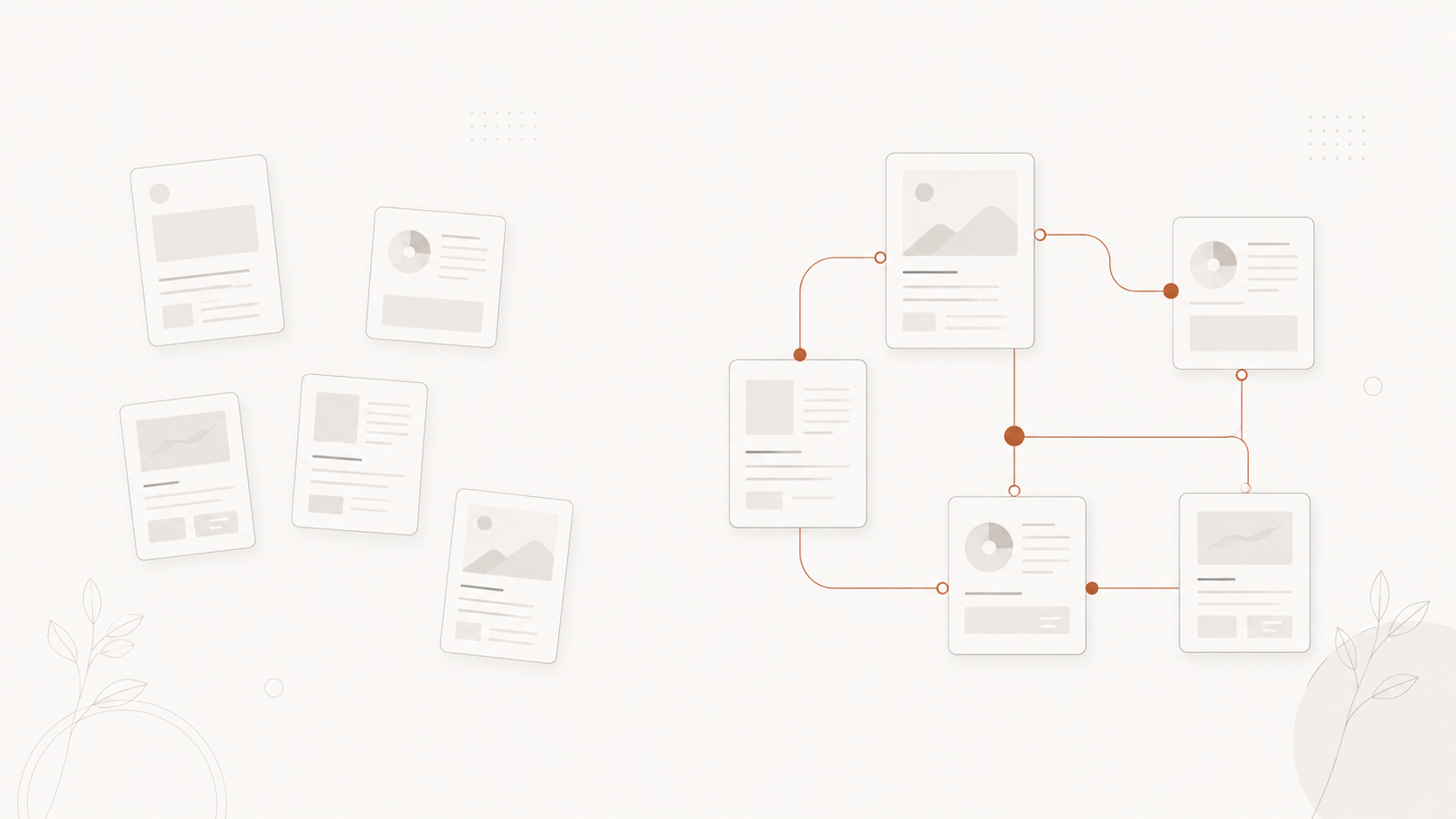
Blog posts connecting into a tidy linked cluster, illustrating how Relinka maps internal links

Internal linking is one of the most overlooked levers in on-page SEO

Internal links tell Google which pages matter — yet doing it by hand is slow and most tools leave you guessing. Orphaned pages pile up, link equity stays trapped, and readers miss related content. Relinka shows you exactly where the gaps are — and fixes them safely.

From scattered, disconnected pages to a tidy connected cluster

See the whole picture

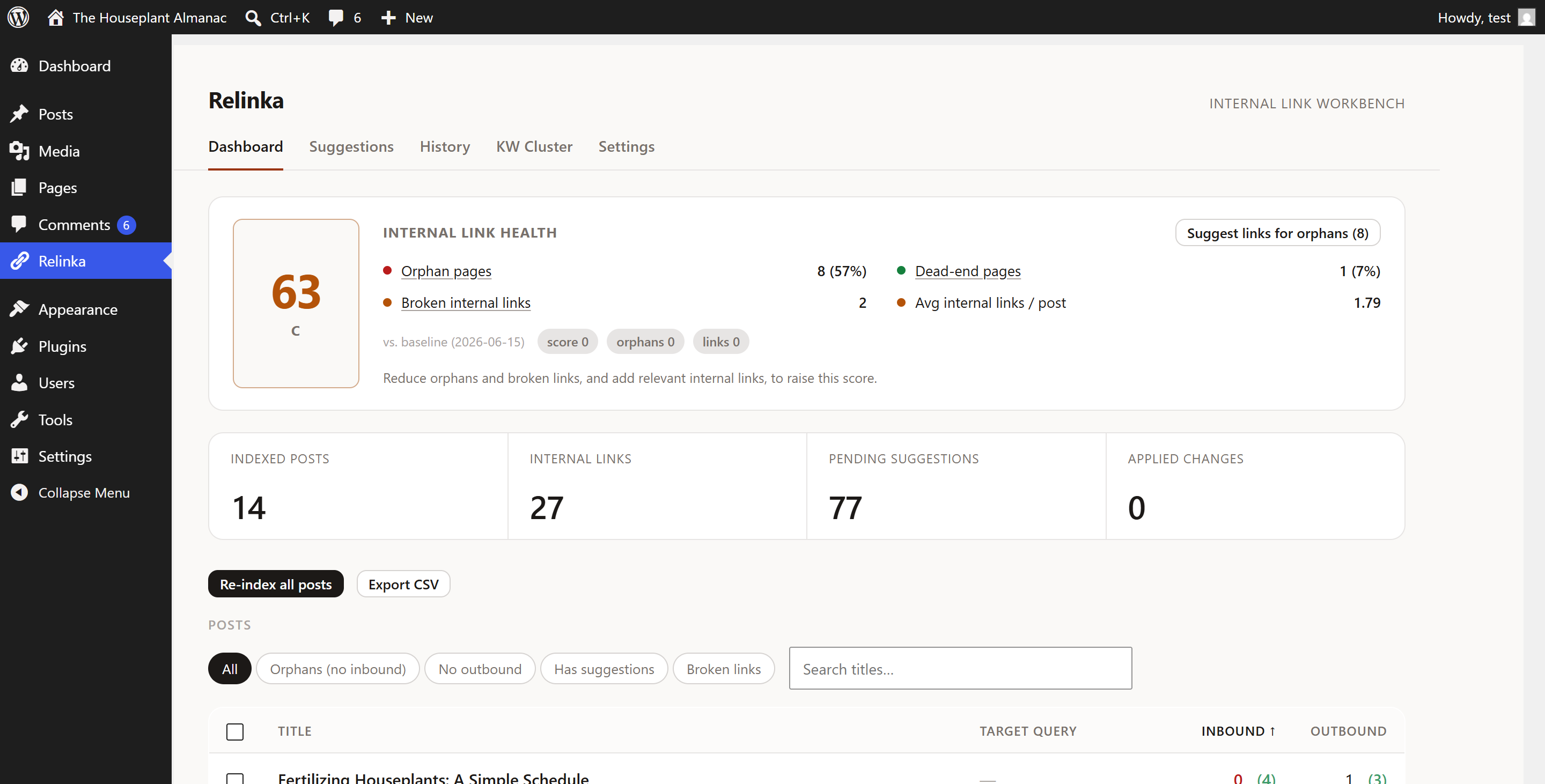
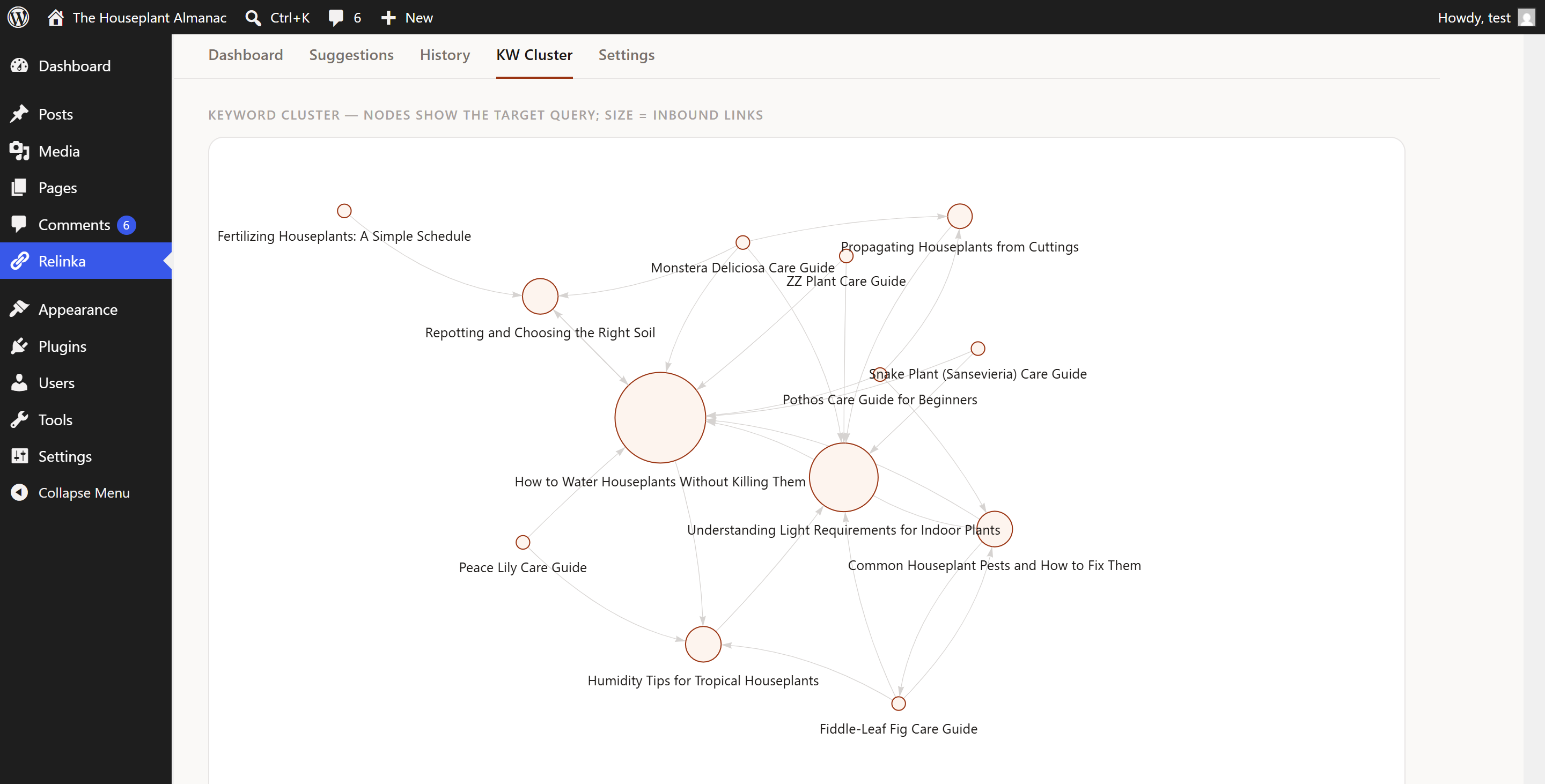
A link-health score, inbound/outbound counts, a keyword cluster graph, and orphan + broken-link reports — so you know what to fix and why.

Safe by design

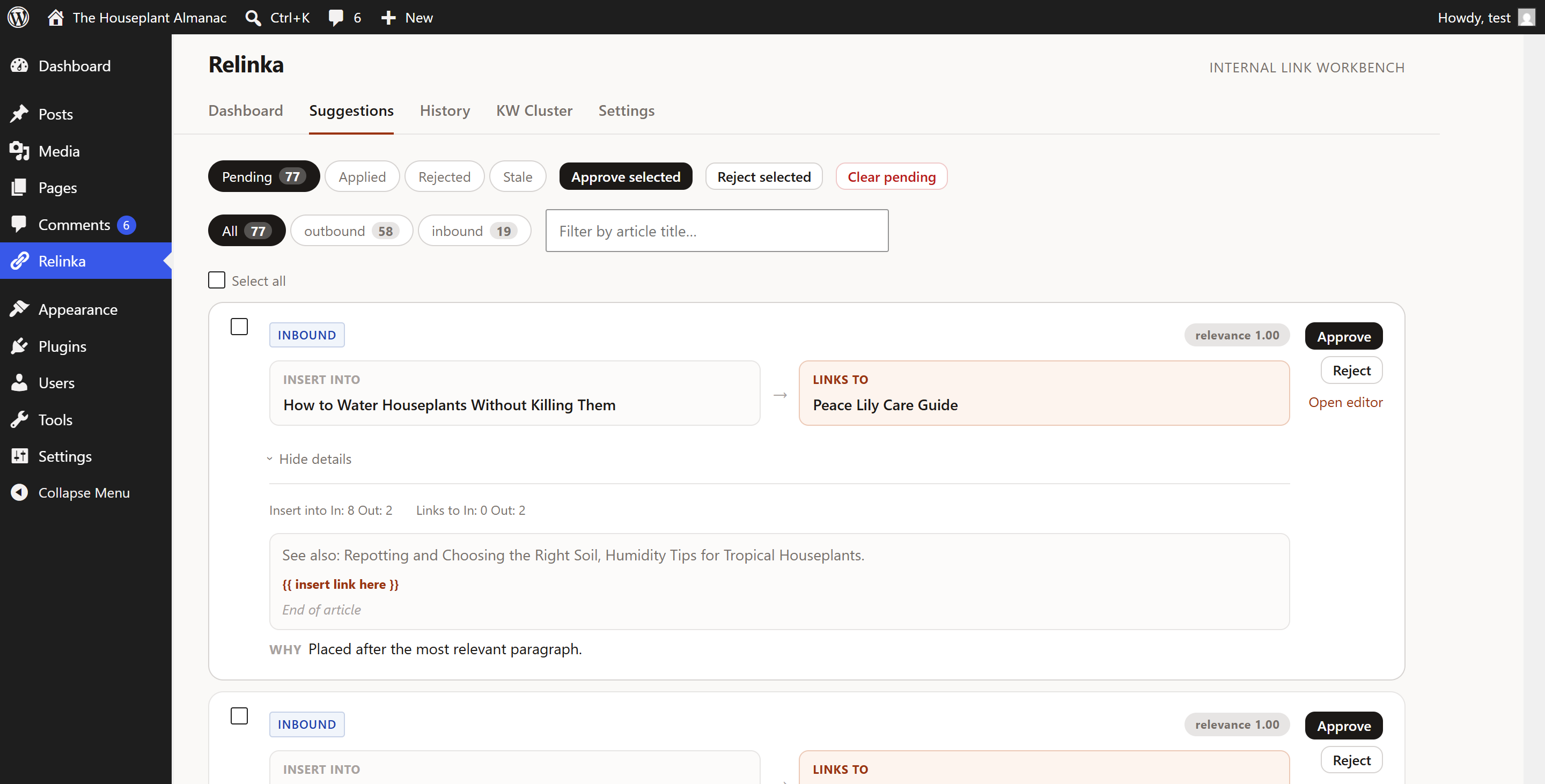
Suggest → approve → one-click undo, with a full before/after snapshot. Nothing changes without you. It never invents links or anchors.

Free, no key, no lock-in

Everything runs on your own server — no account, no API key, nothing sent off-site. Works on any theme, Gutenberg or Classic.

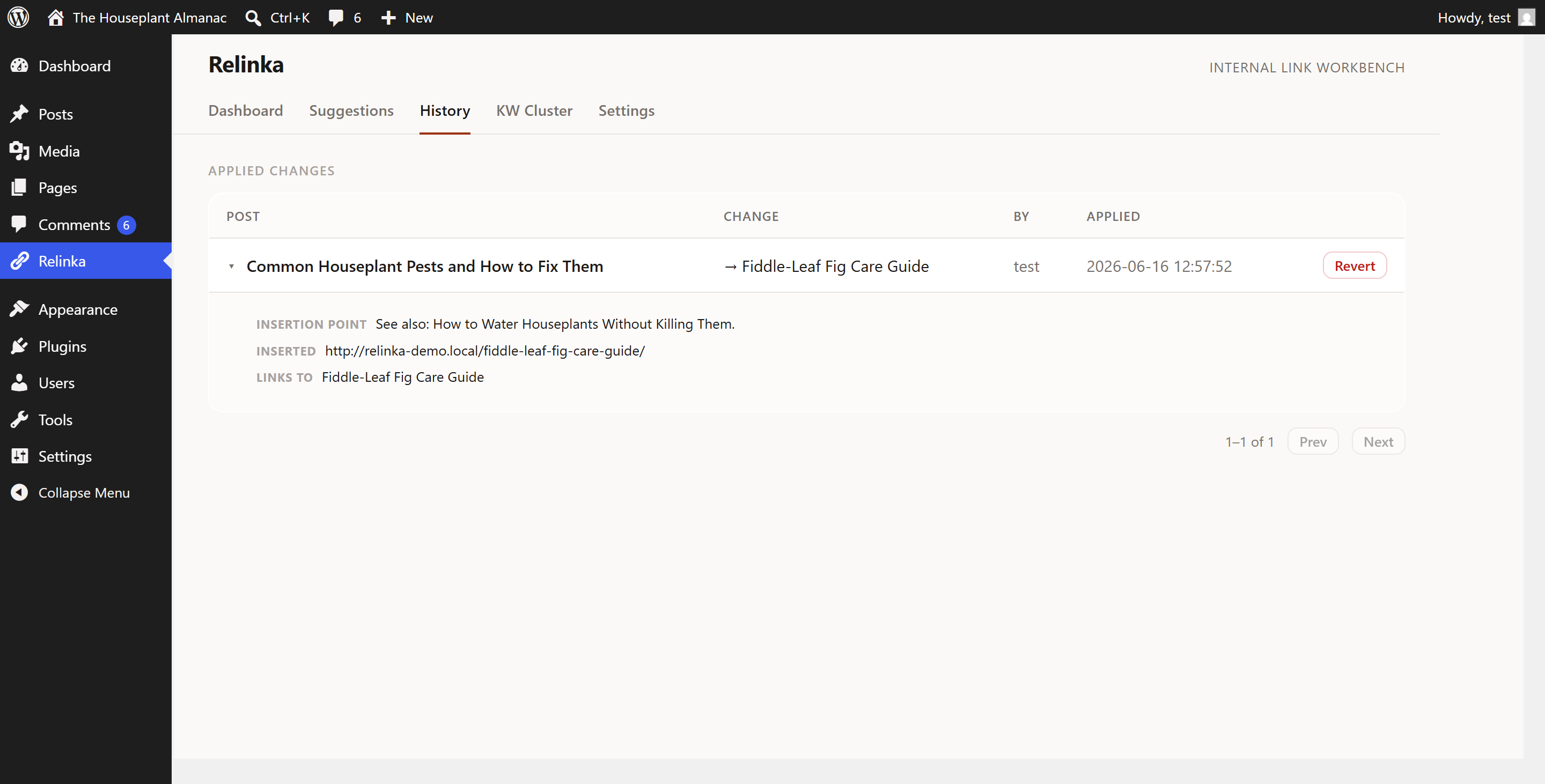
Watch a link land — then undo it

Relinka suggests a related-article link with a one-sentence reason, places it at a natural spot, and lets you revert in one click. Toggle below to see the change.

Cats sleep more as they age — it's one of the clearest signs of getting older.

If you notice several of these changes together, it's worth planning for senior care.

Every suggestion comes with a reason

No black box. Relinka tells you why a link belongs, takes the anchor word-for-word from your text, and keeps a snapshot so any change is reversible. It places links at natural spots — never splitting a list or a lead-in.

Know your link health at a glance

A single 0–100 score, calculated from your own site — orphaned posts, missing outbound links, and broken links — plus a keyword cluster graph that maps how your topics connect (so you can spot content silos).

0 / 100
example score, after
clearing a site's orphan pages

Everything you need to interlink well — free

Link analysis & graph

Inbound/outbound counts per post, the full link graph, and a keyword cluster view.

Health score

One number for how well your site is interlinked, with one-click orphan fixes.

Broken-link finder

Find and fix dead internal links from a single list.

Suggestions with a reason

Relevant links in your content's language, anchors taken from your own text.

Apply & one-click undo

Every applied link is a revertable snapshot — nothing is rewritten without you.

Cards or inline

Theme-agnostic card designs, or defer to your theme. Gutenberg & Classic.

A real look at Relinka

Screens from a live site — not mockups.

Free, and genuinely useful

The free plugin is fully functional for everyday internal linking. Pro adds AI and automation when you're linking at scale.

Free

$0 on WordPress.org
  • Link analysis, graph & health score
  • Keyword cluster graph
  • Broken-link & orphan finder
  • Suggestions with a reason
  • One-click apply & undo
  • No account, no API key
Install free

Pro

$59 / year, 1 site
  • Everything in Free
  • Auto-link new posts on publish
  • Bulk apply across the whole site
  • AI / semantic suggestions (by meaning, not just keywords)
  • Multi-site & agency licensing
  • Priority support
See Pro in action →

Free is free forever — no asterisks. Pro is a separate add-on distributed from this site; multi-site & agency licensing available, introductory pricing may change.

For sites linking at scale

Free fixes today's gaps. Pro keeps them closed — automatically.

You won't need Pro on day one. But once you're publishing often or running several sites, doing it by hand becomes the bottleneck. Pro is the same plugin, with the manual work taken off your plate.

Auto-link on publish

New posts link themselves

Every post you publish gets relevant internal links the moment it goes live — so you never re-audit the whole site again.

Bulk apply

Approve in one pass

Review and apply dozens of suggestions across the whole site at once, instead of one click at a time.

AI / semantic

Links by meaning

Finds related posts by what they're about, not just shared keywords — surfacing relevant links a keyword match misses.

A quick gut-check: if you publish ~8 posts a month, auto-linking saves roughly 2–3 hours of manual interlinking every month. Pro tends to pay for itself in the first week — and the free plugin keeps working untouched whether you upgrade or not.

What you getFreePro
Link analysis, graph & health score
Broken-link & orphan finder
Suggestions with a reason
One-click apply & undo
Runs on your server, no API key
AI / semantic suggestions
Bulk apply across the site
Auto-link new posts on publish
Multi-site & priority support

How Relinka compares to paid link plugins

An honest look at the free, open-source approach next to the paid incumbents — including where they're genuinely ahead.

Typical paid link pluginsRelinka
Price to startPaid only, annual licenseFree, fully functional
Open sourceNoYes — GPL, on WordPress.org
Where it runsOften cloud-assistedFree tier runs entirely on your server
Reason for each suggested linkRarely shownOne plain-English sentence, every time
Anchor textAuto-generatedTaken word-for-word from your content
Undo a changeManual edit / revisionsOne-click revert + snapshot
Health score & cluster graphSometimes a paid extraBuilt in, free
AI / semantic suggestionsBundled in the paid productRelinka Pro add-on
Maturity & install baseEstablished, largeNewer

Choose an established paid tool if maturity and a large install base matter most. Choose Relinka for a free, on-server, explainable workflow you can undo in one click.

Questions

Does it need an account or API key?
No. The free plugin is fully functional with no account and no API key — everything runs on your own server.
Will it change my content automatically?
No. Nothing is applied until you approve it, and every applied link can be undone with a one-click revert.
Does it make up links or anchors?
No. It only links to pages that already exist on your site, and every anchor is taken word-for-word from your content.
What data leaves my site?
Nothing. The free plugin doesn't send your content anywhere and doesn't phone home.
What does Pro add?
Pro (a separate add-on from this site) adds AI-assisted suggestions, bulk apply, and auto-linking on publish. The WordPress.org plugin stays free and fully functional on its own.
Free is complete — so why would I pay for Pro?
You don't have to. Free does everything you need to audit and fix internal links by hand. Pro is for scale: it links new posts automatically as you publish, applies suggestions in bulk, and ranks them by meaning with AI. If you publish often or run several sites, Pro turns internal linking from a recurring chore into something you stop thinking about.

Start linking smarter — free.

Install from WordPress.org, index your site, and see your linking gaps in minutes. No account, no API key.

See my linking gaps — free